 Hinge Count
How often do you open it?
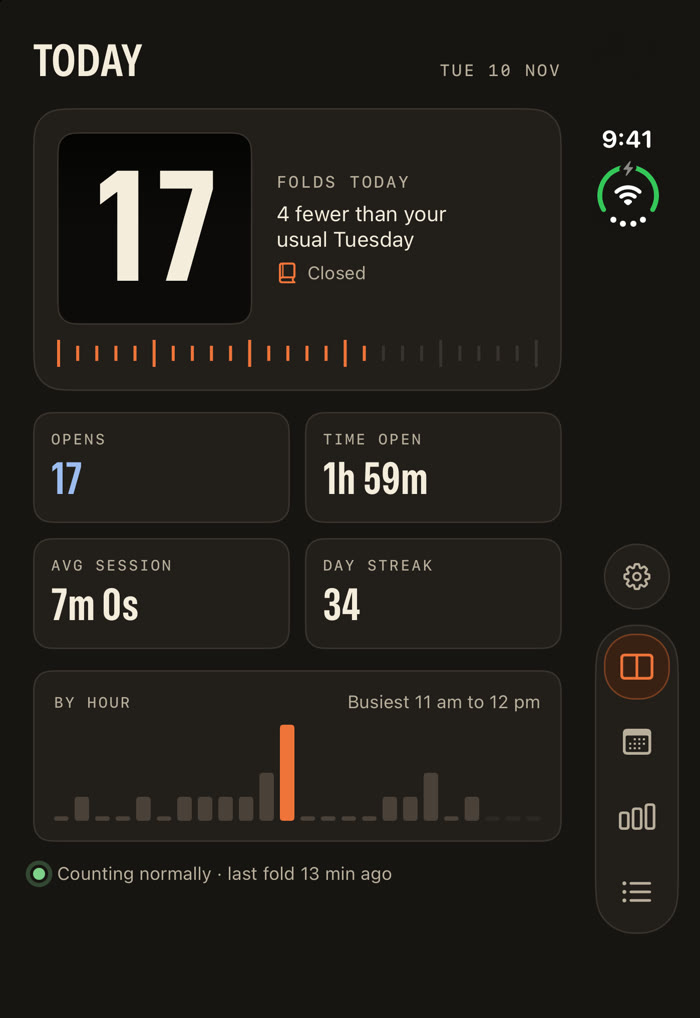
Hinge Count counts every time your folding iPhone opens and closes, puts the number on your Home Screen, and shows you the habits behind it.
- Folds
- 0
- Opens
- 0
- Time open
- 0s
More than a number.
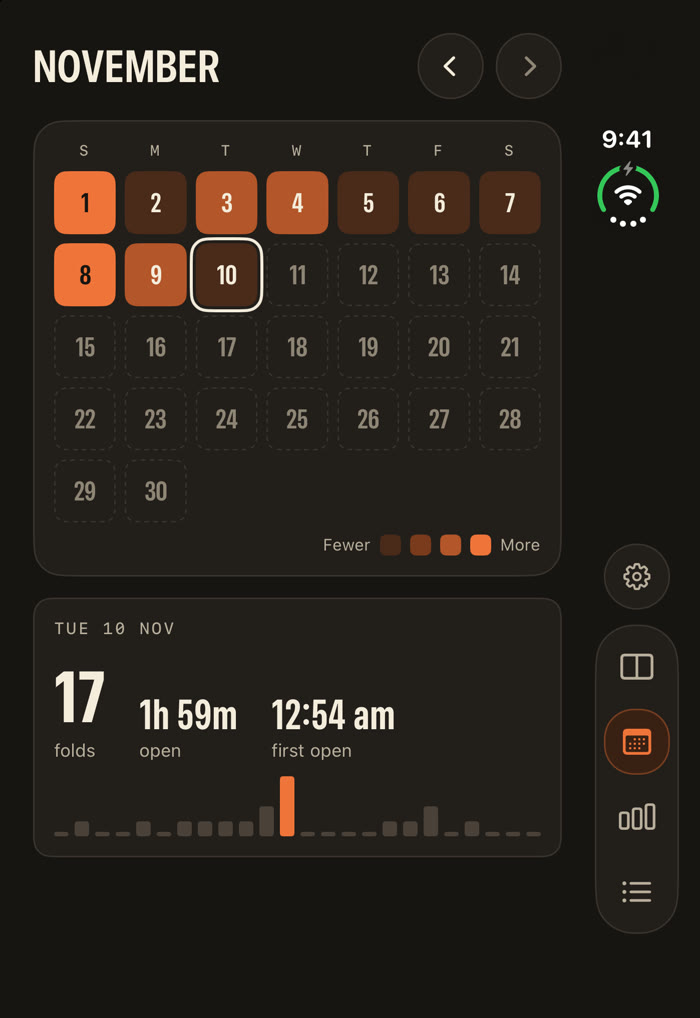
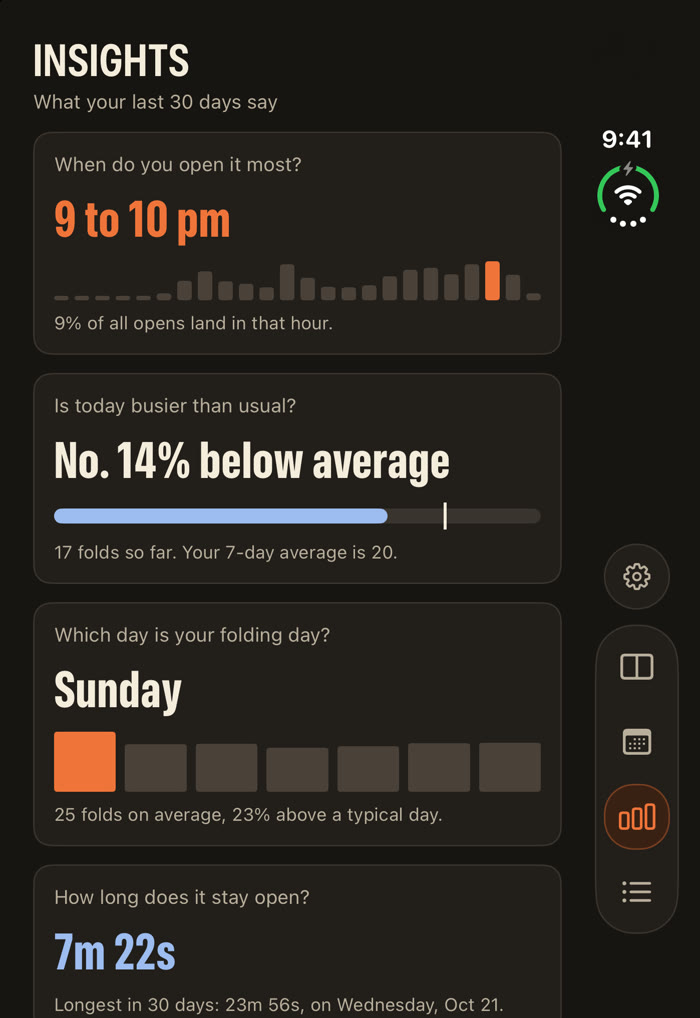
It records opens and closes separately. That is what turns a tally into something you can read: how long the phone stays open, when your day with it starts, which hour you reach for it most.
One shortcut. Then forget it.
iOS only lets an app read the hinge while that app is on screen. So Hinge Count is told about each fold by a shortcut you make once in Apple’s Shortcuts app. From then on it counts in the background, locked or not.
When setup is done, the app asks you to close and open your phone and shows a green check as each movement arrives. After that, a line on the Today screen always tells you it is still counting, and warns you if a fold ever goes missing.
- Start a new shortcutIn the Shortcuts app, tap the plus button.
- Add the trigger “Opened or Closed”It is under Automation, in the Display group. Set it to Closed.
- Add the same trigger againSet this one to Opened. The two sit together, joined by “or”.
- Turn Notify off on bothOtherwise you get a banner on every fold.
- Add the action “Record Fold”It is listed under Apps, in Hinge Count. That is the only action you need.
Free to count. $2.99 for the rest, once.
Free
- Counts every open and close, with no limit
- The Today screen and its hour-by-hour chart
- A Home Screen widget that updates on every fold
- Your last 7 days of history
- No ads
The Full Count
- A live hinge gauge that follows the angle as you move it
- Medium, large and Lock Screen widgets
- Your whole calendar, back to the first day
- Every insight, including sessions and time open
Your history is recorded from the first day whether you unlock or not. If you decide later, nothing is missing.
Yours, and only yours.
Everything Hinge Count records stays on your phone. There is no account, no advertising and no analytics, and the app makes no network connections of its own. The full privacy policy is one short page.
Hinge Count needs a folding iPhone running iOS 27.1 or later, and one shortcut in Apple’s Shortcuts app. Folds made before setup, or while the shortcut is switched off, cannot be recovered; you can add your own estimate of earlier folds to your lifetime total. Hinge Count is not affiliated with Apple.